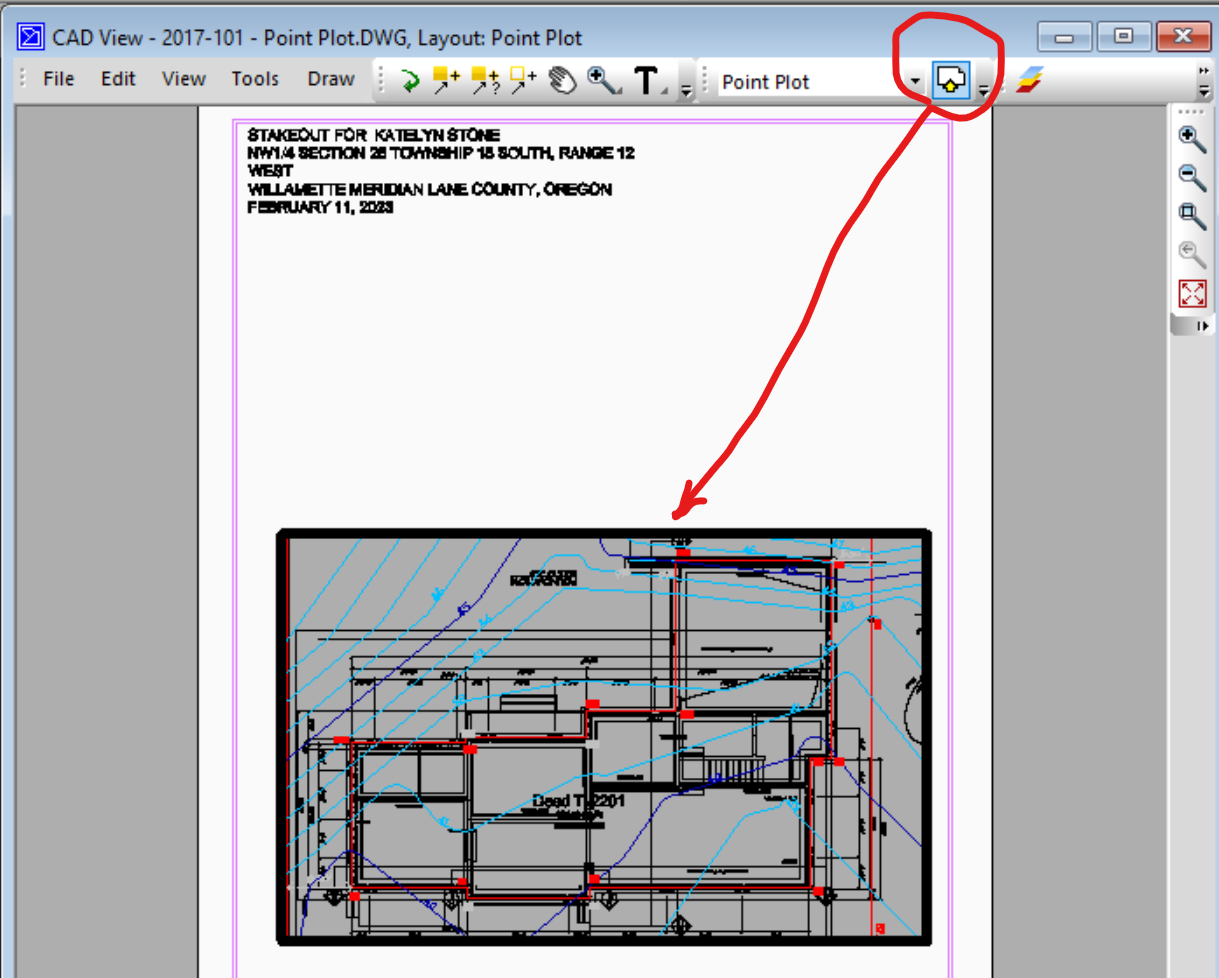
CAD View Layouts (3:29 scroll to 1:40) - The CAD View now supports layouts and viewports.
Drawing Scale and Rotation
CAD viewports allow TPC to export the drawing scale, rotation and position on the page to CAD while the model space remains unrotated. See Viewport Scale & Rotation
CAD Viewport vs Survey Space Clip Object
In CAD, the viewport limits what portion of the model space is visible in the paper layout, along with its rotation and scale and can be defined by an entity or by the page size itself.
In a TPC drawing, the survey space clip object does the same thing, with the drawing border being the default clip object unless another one is specified.
•TPC looks for the active viewport for the layout being imported
•If found, the viewport becomes the survey clip object in the TPC drawing, if it doesn't already have one
•If an active viewport is not found, TPC looks for the overall viewport for the layout and imports it
•If no viewports are found, the layout is still imported, but without a viewport
When exporting a CAD layout
•TPC creates a layout viewport for the drawing's survey clip object, if one is being used in the drawing, and makes it the active viewport in the CAD layout
•If not, TPC uses the drawing's border or page setup margins to create a default viewport for the CAD layout
Multiple Viewports and Views Not Supported
TPC does not support multiple viewports per layout like CAD does and only supports a 2D view looking down on the plan or profile.
As a result, only one viewport is imported with the layout when TPC imports a CAD drawing.
In CAD, if you want to hide a viewport border, you need to move it to a layer you can turn off. As such, TPC does not provide any tools to turn a viewport border on or off in the CAD View.
Dimension Style
CAD uses a drawing variable named Dimension Style to switch the viewport between Model and Paper space. TPC supports this in the CAD View. See Dimension Style and Layouts in CAD View.
Viewport Scale
The viewport has a scale it uses to display the Model Space within the viewport.
In the CAD View, use the Viewport Scale command to see what scale the viewport is at or change it to the scale you want. See Viewport Scale commandand Layouts in CAD View