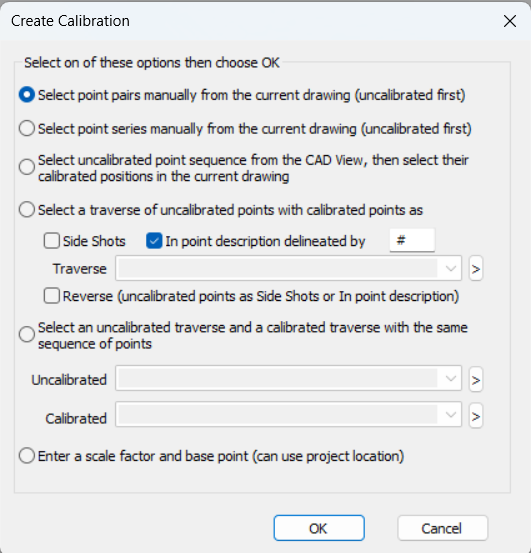
This dialogs presents several options for creating a calibration.
You can access this dialog directly from the TPC Desktop, Tools | Calibration | Create Calibration... Some calibration dialogs also include a Create Calibration button which opens this dialog.
Computes the calibration. If successful, TPC displays the Calibration Properties dialog, where you can edit the calibration information, then prompts you to save the calibration.
If you have any calibration dialogs open, TPC will update their calibration list to show the new calibration created.
Cancel
Returns you to the previous view without making any changes.