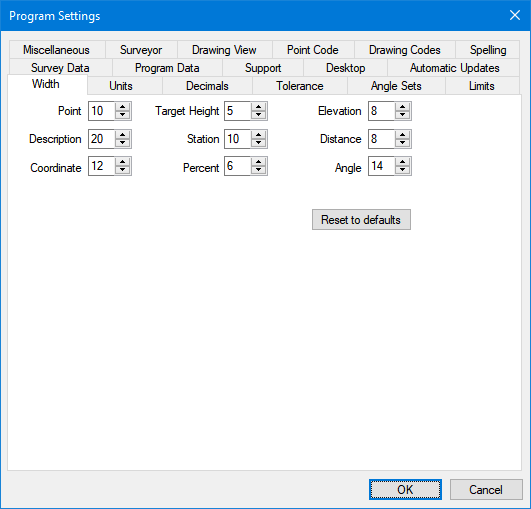
Set the default column widths for the program to use in displaying and reporting your data.
Most of the Views like the Traverse View control their own column widths and use these in the reports. Default widths are used only when no other width is specified.
Reset to defaults
Resets the widths settings to their defaults. When the reset to defaults button is clicked you'll be asked if you're sure you want to reset to defaults. If you click yes it can't be undone, even if you click cancel.
OK
Applies the Program Settings you have selected.
Cancel
Discards any changes made in the Program Settings and returns you to the previous view.