|
Maintenance updates are for the current version of TPC you are running. They always have the same [major].[minor] version number as the version you are running.
Example: TPC 20.1.2.4 would be a maintenance update to TPC 20.1.2.3.
Checking for Maintenance Updates
•To check for a maintenance update, choose Help, Check for Updates...
•TPC will display the Updates and Upgrades dialog.
Checking Manually
•In the Maintenance Updates section, choose Check for maintenance updates.
TPC will tell you if you are running the current version (you are up to date) or will display the Readme.txt file for the available update and ask if you want to install it.
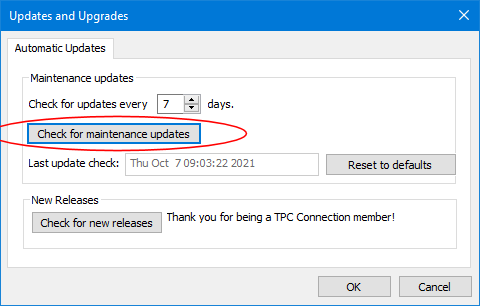
Automatic Updates
For automatic updates, you specify an interval at which you want TPC to check for updates. Each time you run TPC it checks to see when it last checked for an update and based on that interval, checks for new updates If found, TPC prompts you to install the update.

Installing a Maintenance Update
When TPC finds a maintenance update, it displays the Readme.txt file for that update and prompts you to install it.


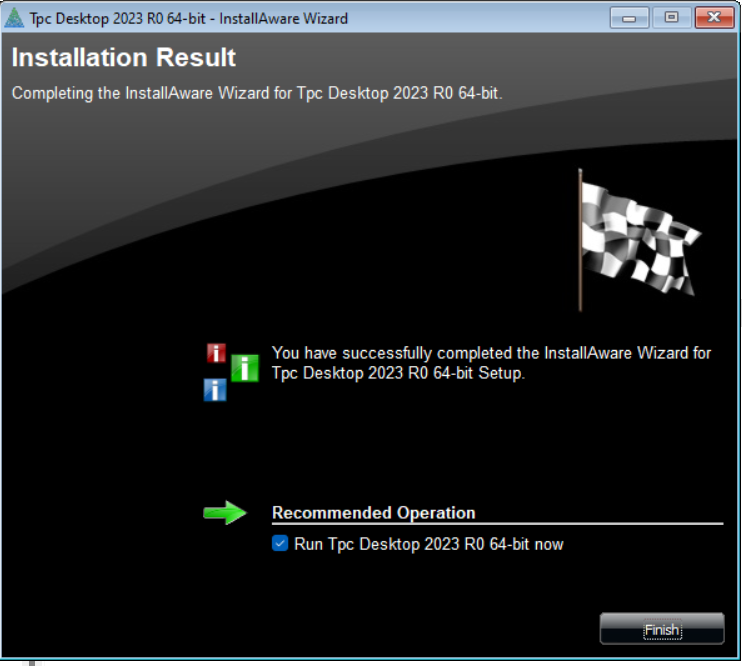
Once you choose to install it, TPC closes your session of TPC and installs the update.
License Keys
Maintenance updates can run with either a perpetual license key or a TPC Connection key.
Perpetual keys are programmed to the [major].[minor] release represented by the first two numbers in the version. They will not validate updates with newer major or minor version numbers.
Related Topics
Updating a License
|

