|
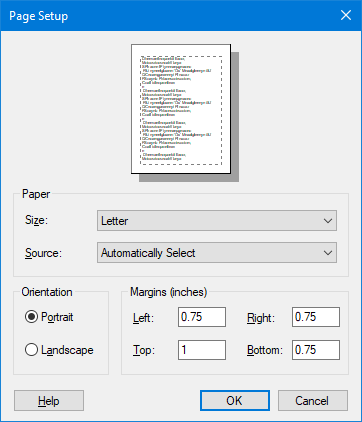
Use the Page Setup dialog to select a page size, orientation and margins for your printout or drawing.
From the Page Setup dialog, you can change the page size, orientation (portrait vs landscape) and margins.
Drawing Sizes
When you work in a TPC drawing, that drawing has a page size that determines how big the drawing is. Letter, Legal, 18"x24" and so on.
You change the drawing size via the Page Setup.
•From a drawing, choose Tools, Print, Page Setup.
Report Page Size
You print reports from the Report View or the Message View, both of which have a page size associated with them. This is typically a standard 8.5"x11" letter size page, but you can change it to any size and orientation available.
•To edit the page layout, choose Tools | Print | Page Setup.
|

