As a rule, you will install TPC from a download link delivered via an email, but you can also download TPC from our website. See Downloading TPC.
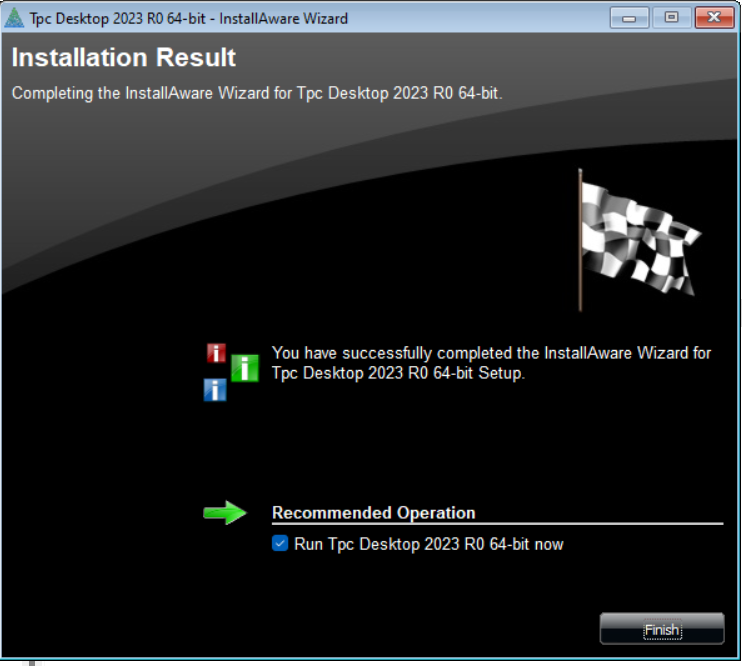
Once you have downloaded the setup file, double click it to start the installation wizard. Follow the instruction in the Wizard until the download is finished.
You should now be able to run TPC from a desktop icon or the Windows Start menu.
The first time you run TPC, you will be asked to enter your user information and activate the installation.
Installing for Multiple Users
You can install TPC so that it can be used by anyone who runs a computer.