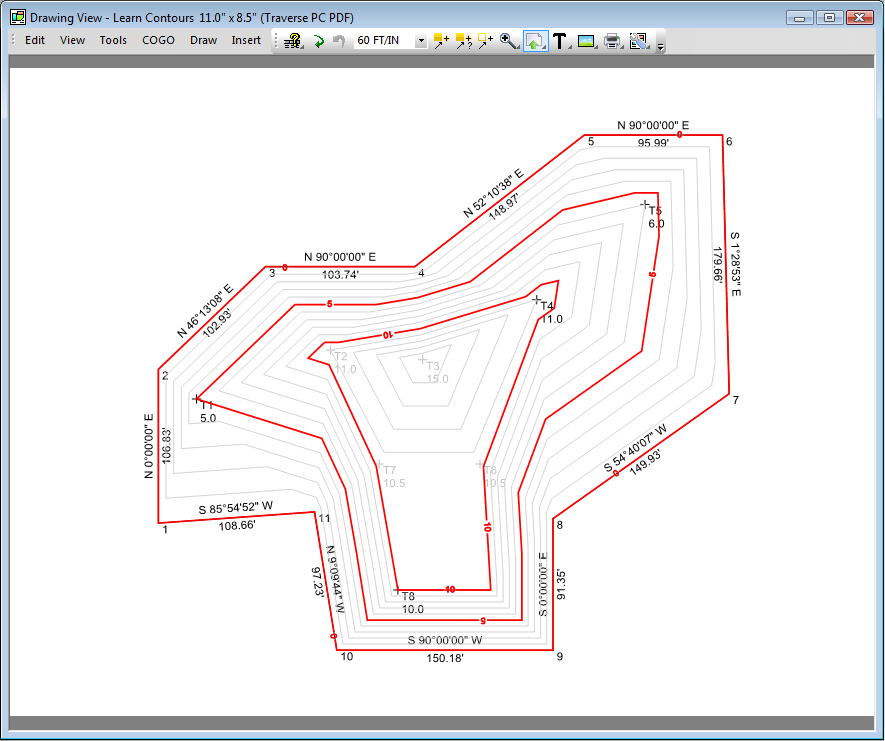
In this lesson, we will start with a simple stockpile survey with two traverses. The Existing Boundary traverse defines the boundary of the stockpile, while the Topo 3/11/02 traverse contains the shots taken on the stockpile. We have already designated the Topo points (you’ll learn how to do this a little later).
From the desktop menu choose Manage | Surfaces to open the Surfaces manager.
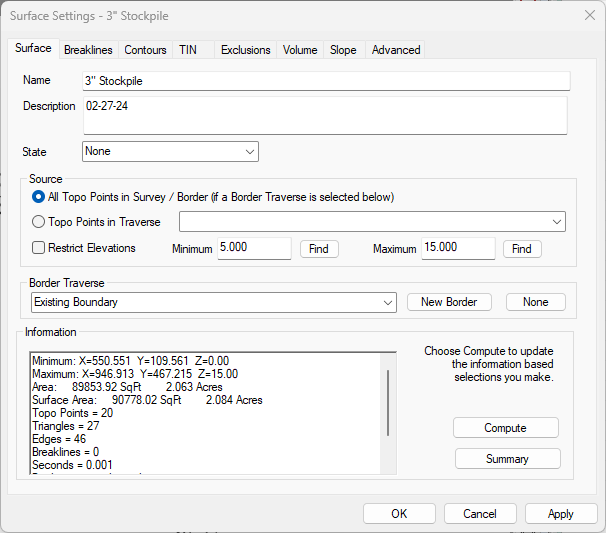
Double-click any blank line in the Surfaces manager to display the Surface Settings dialog.
Enter 3” Stockpile for the Name.
Expand the Border Traverse list and choose the Existing Boundary traverse.
Now choose Apply. TPC will compute and draw the surface.