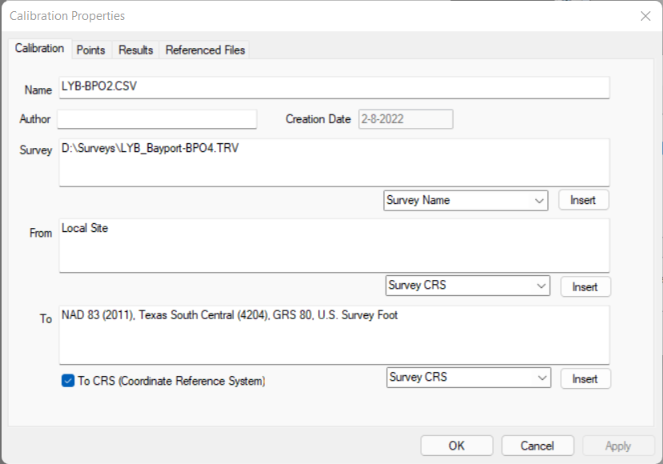
The dialogs that let you select a calibration also include an Edit Calibration button [gear icon]. Choose this icon to open the Calibration properties dialogs.
Editing an Existing Calibration & Recalibrating (4:29) - When you edit an existing calibration that has already been used in the survey, TPC offers to recalibrate, taking care of all the busy work for you.
Properties
Calibration properties include the name, author, creation date, survey information, from and to descriptions, etc. for a calibration.
Use these properties to help you identify one calibration from another.
If you plan on sharing a calibration with other survey jobs, it is important to note what it calibrates from and to.
These are the points used to compute the calibration.
TPC lists Point Pairs. These are the Uncalibrated points for which you have supplied a target or calibrated position. TPC uses these point pairs to compute the calibration using Least Squares when possible.
In addition to the Point Pairs, you can also include additional Uncalibrated points. TPC reports the standard errors of these point in the calibration results. Reviewing the standard errors helps you identify any significant errors created from extrapolating calibrations outside the control point area.
TPC displays the results of the current horizontal and vertical calibration types selected. You can change these types and TPC will recompute the calibration.
If you edit the calibration parameters of a calibration that is currently in use for a survey, TPC prompts you to recalibrate those points using the updated calibration parameters.