TPC 2026
TPC 2026


Navigation: Drawings > Drawing Objects > Blocks > Using Blocks from Other CAD Programs >

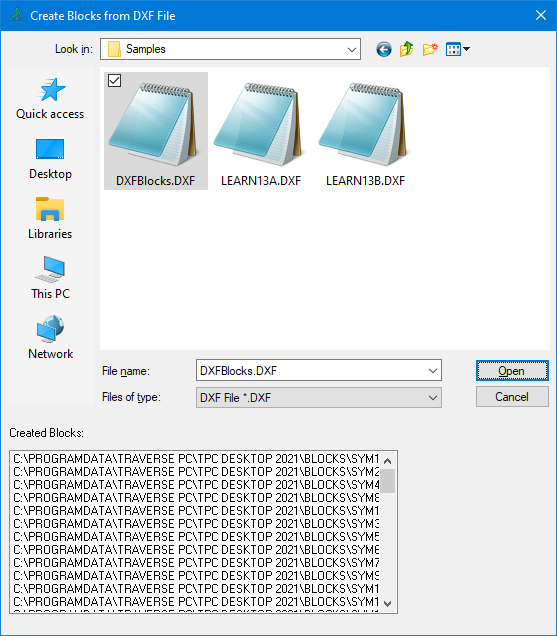
Get Blocks Dialog


Use this dialog to select a DXF file from which you want to extract blocks that can be reused in TPC drawings. The extracted blocks are placed in TPC's \BLOCKS\ folder, with each block getting its own file using the block name as the file name and the DXF file extension.

For more information see Using Blocks from Other CAD Programs.


Related Topics

Blocks
Creating Blocks


Copyright © 2026 Traverse PC, Inc.