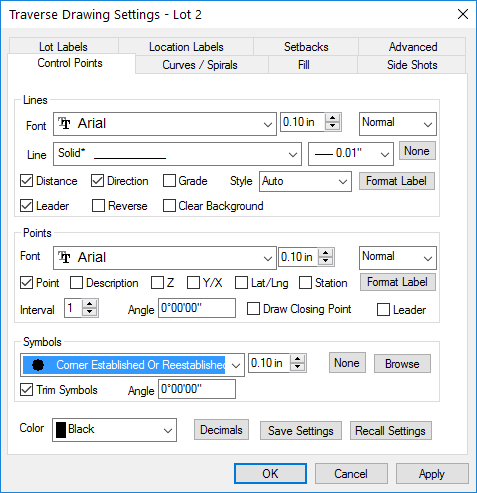
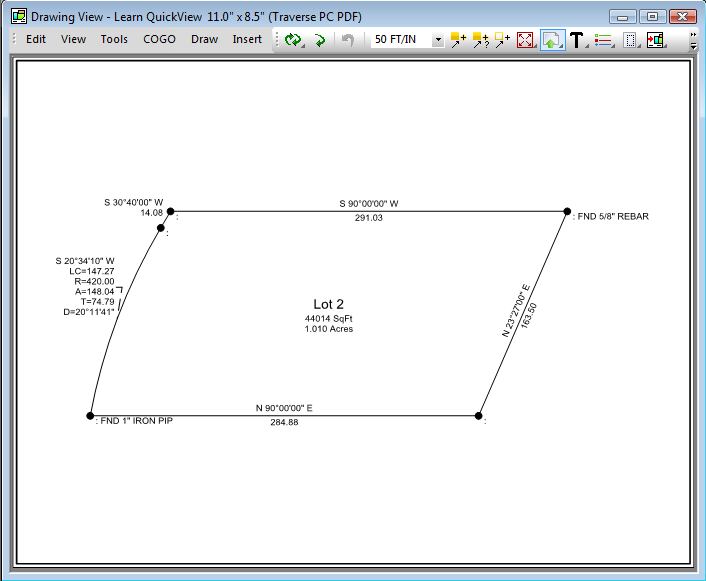
Navigation: Drawings > Drawing in TPC - It's Not CAD > Introducing Quick View™ > Quick View™ Concept TPC has used these same steps since its inception in 1987. Now millions of drawings later, it still creates drawings that same way because it works. 1) Create your data and tag the items you want to include in a drawing. 2) Use the Quick View™ settings to create the drawing objects. 3) Modify the Quick View™ settings and add Smart Drawing Objects™ to enhance your drawing. 4) Modify the settings (properties) of any individual objects that are different from the others. 5) Add any additional objects like text or background photos. These five steps provide an efficient drawing method unparalleled in CAD software. Related Topics Quick View™ Technology Editions Personal, Premium, Professional Copyright © 2026 Traverse PC, Inc.