If your survey is in Feet or Chains, Drawing View draws the scale bar so that it is one inch long when printed or plotted. If your survey is in Meters, Drawing View rounds the length to a convenient ratio that is nearly one inch long.
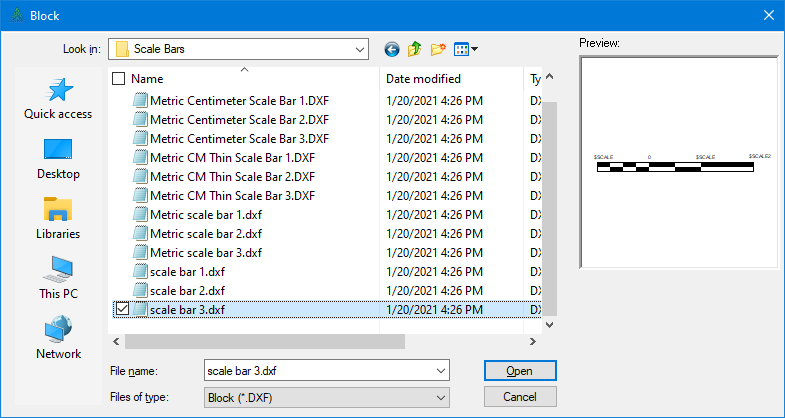
•Choose Insert | Block and open the Scale Bars folder to display the available scale bars.
•Double click the one you want. TPC will draw the scale bar at the current mouse position.
•Drag the scale bar into position and then click the left mouse button.
To edit the scale bar at any time, move the cursor over it, right click and choose Properties. Make any changes you want and choose OK.